

Not All iPods Have Bluetooth – These Are The Ones That Do
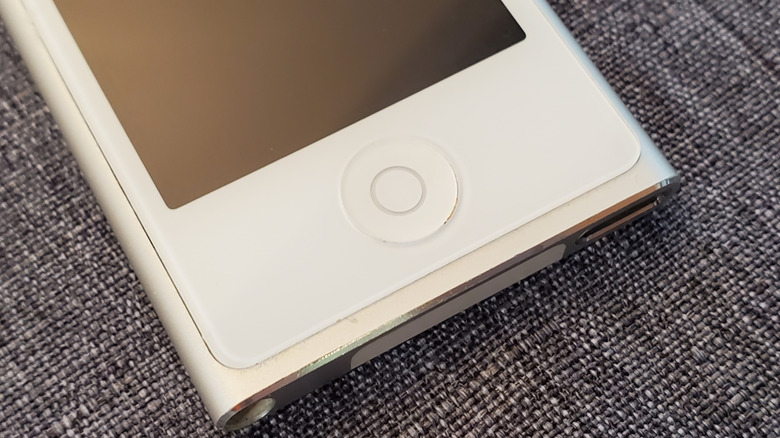
It's been a few years since Apple killed its iPod lineup. At first, considered the most important personal device in the early 2000s for anyone wanting to listen to up to 1,000 songs and have them right in their pocket, the iPod is now making a comeback with younger generations who just want to effortlessly enjoy their music without getting overwhelmed with hundreds of notifications, and more. However, if you're planning to get an older iPod or just want to know whether you can use your AirPods on your current one, you should know that not all iPods support Bluetooth. As a matter of fact, Apple only offered wireless capabilities on the iPod touch, starting with the third generation, and on the last iPod nano in its seventh generation.
As a matter of fact, if you have any iPod classic, iPod shuffle, or iPod nano (from the 1st to 6th generation), then you can't listen to songs wirelessly. However, since all of them have support for a 3.5-millimeter headphone jack, you need to use wired headphones or a third-party dongle to access wireless capabilities, like Twelve South's headphone accessory, AirFly Pro 2.
Interestingly, while most iPod touch models have featured Bluetooth, Apple only expanded Bluetooth support to the iPod nano 7 after its announcement in 2012. While the company never explained why it did that, it decided to bring this capability to this product.
iPod touch and this iPod nano had Bluetooth capabilities
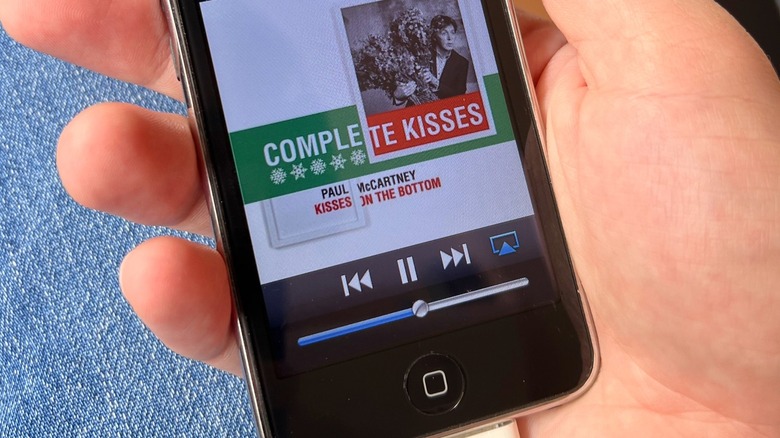
If you were around in 2007, you probably got really hyped up about the first iPhone. If you were a kid or teenager like me, your first "i" device wasn't an iPhone because it was "too expensive" for a kid, and you probably got an iPod. At the time, having an iPod touch was a magical experience, with its 3.5-inch multitouch display that let you play so many games, listen to your favorite songs, watch YouTube, and more.
Looking back, I realized I never connected wireless headphones with my iPod touch, and the most obvious reason is that I didn't have wireless earbuds. During its lifespan, Apple offered Bluetooth 2.1 from the 3rd to the 4th generation of the iPod touch, the one that got a makeover with a FaceTime camera, and then it added Bluetooth 4.0 to the 5th generation, and the last two models offered Bluetooth 4.1.
The downfall of this device, which led to its discontinuation, however, was its similarity to the iPhone, but without cellular capabilities. Apple, cleverly, started making this device not follow the iPhone's power, but as it expanded the lineup with more models, the iPod touch stopped making sense. Besides that, the iPod nano 7 also featured Bluetooth, and it looked like a mini iPod touch, but with unique software and capabilities. I'd say Apple's latest weirdest iPod before it decided to let it go.
Here's how to make your old iPod work with Bluetooth
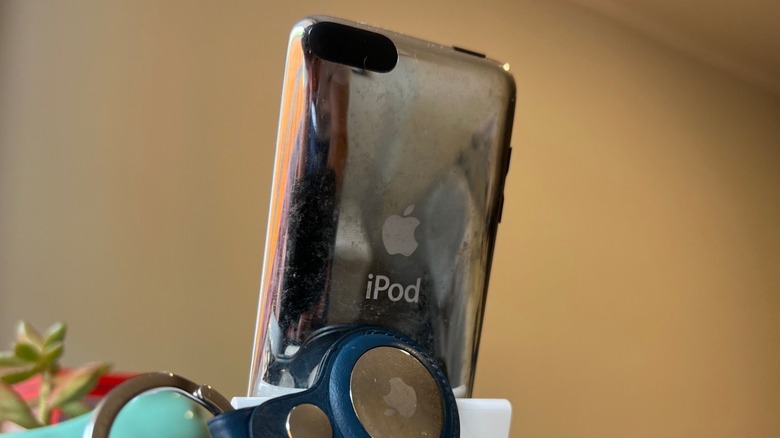
If you have an old iPod you would love to use with your AirPods or other wireless headphones, you have two options: Get it tweaked by a technician to add a Bluetooth chip, or buy a dongle. In the first option, there are several companies that buy and tweak iPods, especially the Classic, with a USB-C port, SSD storage, and other upgrades that will make an old iPod Classic feel like a special edition that Apple will never make.
On the other hand, users can get a dongle like the AirFly Pro or AirFly Pro 2. The difference between these accessories is that the second generation offers the ability to connect two wireless headphones at once, and the connection is faster and more reliable. Still, the first generation is more affordable and also gets the job done.
At the end of the day, while young kids are trying to make the iPod cool again, the best way to enjoy your favorite songs is with a streaming service and your iPhone, or maybe a smartwatch paired with wireless headphones. To avoid hundreds of notifications, I highly recommend taking your time to create a Focus Mode on your iPhone.